Your reliability notes
This is the page that matters most to you personally. My Reliability Notes holds the written reliability decisions Chronity drafts in your name for every formal piece of work you do with Claude.
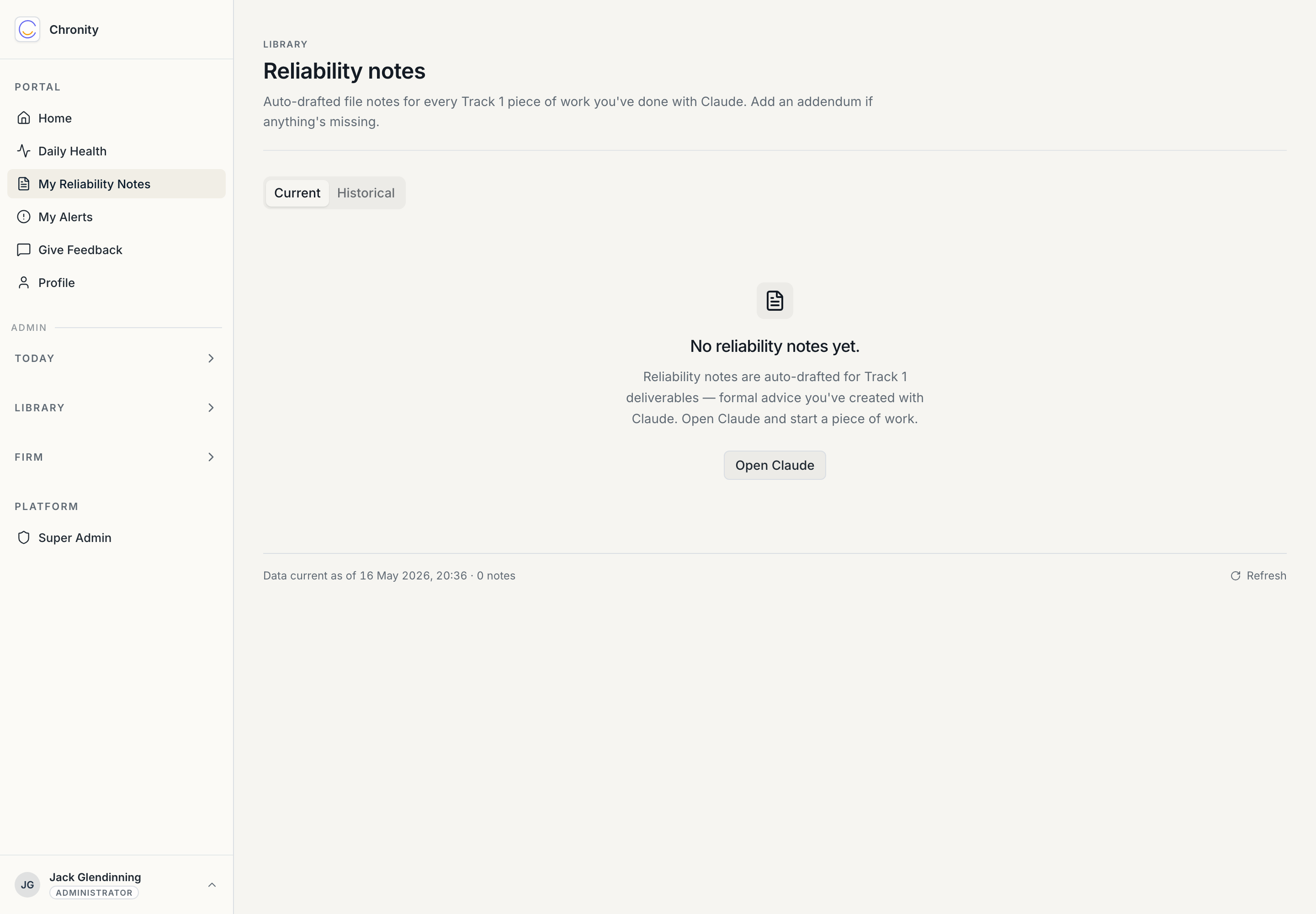
The screenshot above is the empty state — what a new account looks like before you've done any Track 1 work. It explains itself: notes appear here automatically once you create formal advice with Claude.
What a reliability note is
When you use Claude to help produce a formal deliverable — a valuation letter, an advice letter, a formal report — Chronity classifies that as Track 1. Overnight, it auto-drafts a short reliability file note: a first-person written reliability decision in roughly this shape:
Reliability decision
Use case: document drafting (deliverable) (v1) Track: 1 — confidential
AI assistance was used to support the drafting of the formal deliverable described in the observation summary. I have reviewed the AI-assisted output against the underlying source material and my own professional judgement. The output has been edited where necessary before release. I, \<your name> MRICS, take professional responsibility for the advice and content of the final deliverable.
Supervisor review: \<your supervisor, or "self-supervising — qualified reviewer">.
This is the artefact the RICS Standard asks for, written for you. If you're a supervised surveyor, the note names your supervising qualified surveyor as the responsible professional instead — that's the supervision requirement, expressed in the record.
The page
- Current / Historical tabs. Current is the live working set; Historical holds older notes (and the archive of work over 90 days old). The list shows one row per note — the date, the matched use case, the named surveyor, and status.
- Filters. Narrow by use case, and (on Historical) by sensitivity.
- Click any row to open the note detail: the full reliability decision, the observation it came from, the use case, and its status. There's a print option — the note is a proper, printable compliance document.
What you can do with a note
- Read it. It's a fair summary of the reliability position on a piece of your work. If it's accurate, there's nothing to do — it stands as drafted.
- Add an addendum. If something needs clarifying or qualifying, add an addendum. The original draft is never overwritten; your addendum sits alongside it, dated and attributed.
You don't approve or sign these — under Chronity's passive model, the fact you sent the work out under your own name is the professional sign-off. The note simply documents it. (An admin may mark a note as reviewed for the firm's own assurance; that's their action, not yours, and it never appears for the note's author.)
Why this is worth your time
Beyond compliance, these notes are a tidy, dated record of the formal work you've done with AI assistance and the professional judgement you applied. They make useful CPD evidence and a clean answer if a client or a regulator ever asks how AI was used on a matter.
Next: Your alerts.