Review queue & overrides
Two pages in the Today group exist for the rare occasions the firm needs to do something about a classification: the Review queue and the legacy Sign-off queue. On a healthy firm both are short or empty — which is the intended state, not a sign something's broken.
Review queue
Today → Review queue is where the classifier sends anything it isn't confident about — a low-confidence use-case match, or a disagreement between the rules and the detector. Rather than guess, Chronity surfaces it for a human to confirm or correct.
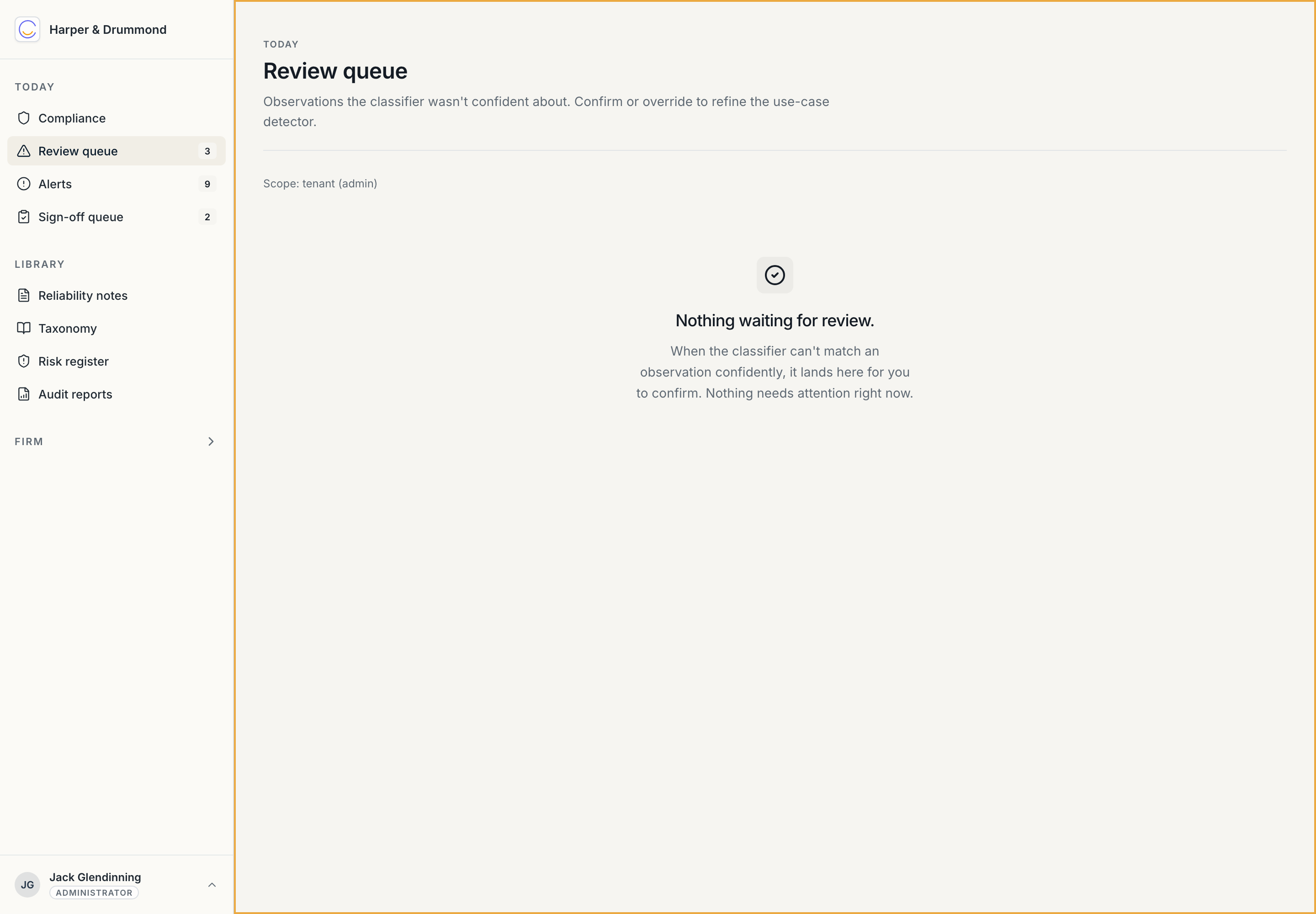
For each item you see the observation and the classification the system proposed. You either confirm it (the system got it right) or override it (set the correct track and sensitivity, with a reason). Either way the decision is recorded, and the correction feeds back into the firm's audit trail.
This is a small, occasional task — not a daily grind. A few items a week on a busy firm is normal. If the queue is consistently long, it usually means the taxonomy needs a use case adding or sharpening; tell the AI Lead (see AI Lead → The MIA & taxonomy).
Classification overrides
You don't have to wait for something to land in the review queue. Any observation, anywhere (open it from the Compliance dashboard), can be overridden: change its track or sensitivity and give a reason. The original classification, the new one, who changed it, and why are all kept — an override is itself part of the audit trail, and the quarterly risk register reports on how often it happens. Occasional overrides are a sign the human check is working; frequent ones on the same use case are a sign the taxonomy needs attention.
Sign-off queue (legacy)
Today → Sign-off queue is a holdover from before the passive model. It lists Track 1 items still formally awaiting a qualified reviewer's approval.
Under Chronity's passive model this queue is being retired — the act of a surveyor sending work out under their own name is the professional sign-off, and the auto-drafted reliability note documents it. During the transition the queue and the auto-drafted notes coexist; over time the queue shrinks towards nothing. You don't need to drive it to zero by hand — treat anything lingering there as the AI Lead's call, and lean on the reliability notes as the real record.
An empty queue is good news
With most compliance tools, an empty queue means "nobody did the work." With Chronity it means the opposite: the work was done, captured, classified, and documented automatically. The audit trail is in the Compliance dashboard and the reliability notes, not in a queue.
Next: Client opt-outs.