Audit reports
When a client's compliance team, your own auditor, or RICS asks "show us how this firm has been using AI and how you've governed it" — this is the page that answers in one document.
Find it at Library → Audit reports.
What it produces
An audit report is a compiled snapshot of a period — everything the audit trail holds, summarised for submission:
- observation counts and the classification mix across tracks and sensitivities,
- sign-off / reliability-note coverage,
- classification overrides (what was corrected, and why),
- dip-sample results for the period,
- risk-register status.
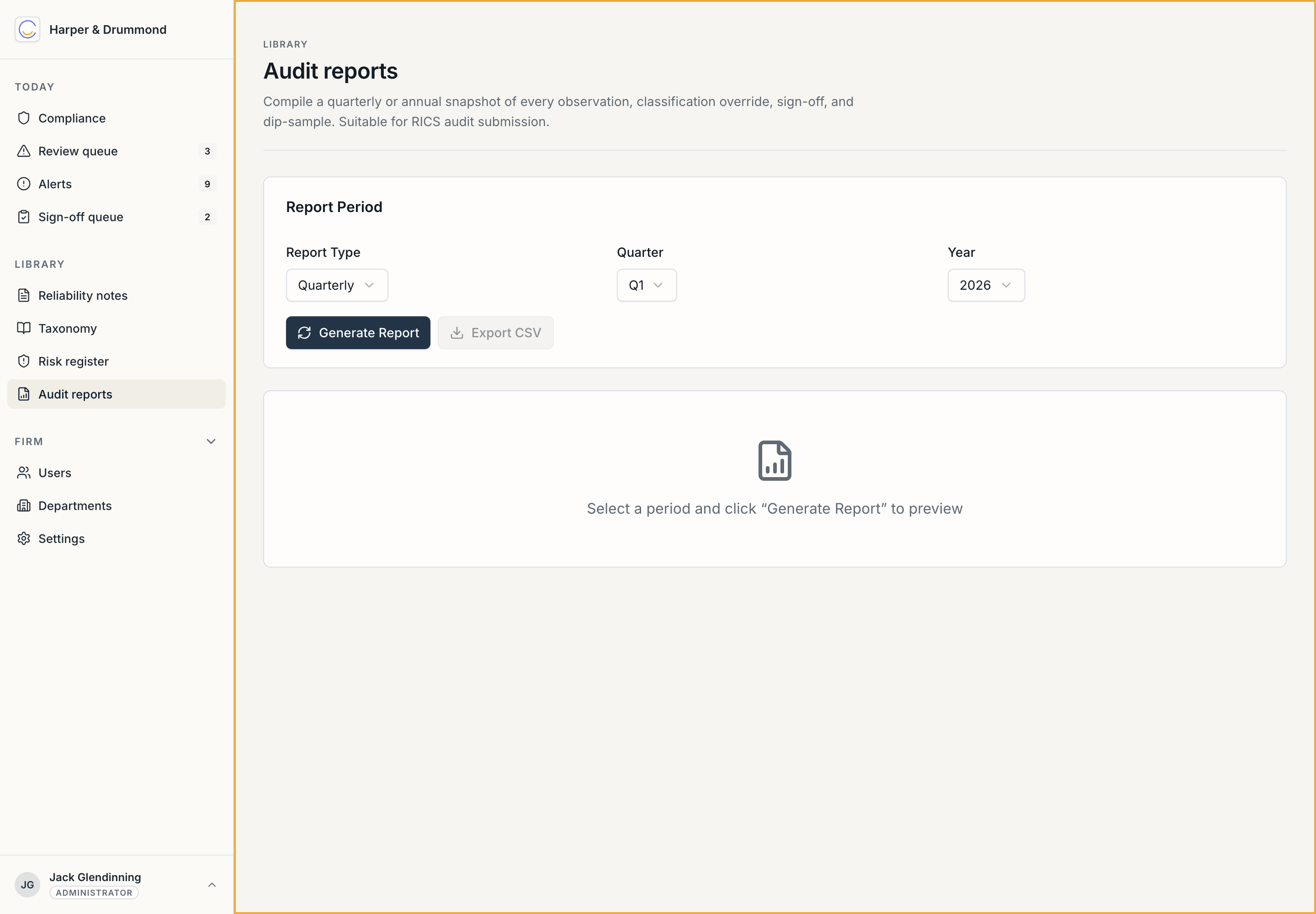
You choose a report type (quarterly or annual), a quarter and a year, then Generate report to preview it and Export CSV to take the data away.
When you'd use it
- A scheduled audit or assurance review — pull the relevant quarter or the full year and submit it.
- A client due-diligence request — a client asking how AI was used on their account, or whether your firm governs it properly.
- Your own internal assurance — a partners' meeting wanting the quarter's picture.
- A regulator request — RICS asking, under the Standard's explainability-on-request requirement, how AI was used.
Why this closes the loop
The Standard's final requirement is being able to respond on request with an account of AI use. Everything else in Chronity exists to make that response exist — the observations, the classifications, the reliability notes, the dip-samples, the risk registers. The audit report is where it all comes together as something you can hand over. You're not assembling evidence under pressure when the request comes; it's already there, and this page compiles it.
It reports the record; it doesn't change it
Generating a report is read-only — it never alters an observation, a classification, or a note. You can run it as often as you like, for any period, without consequence. The numbers are the numbers.
Next: Due-diligence pack.