Your alerts
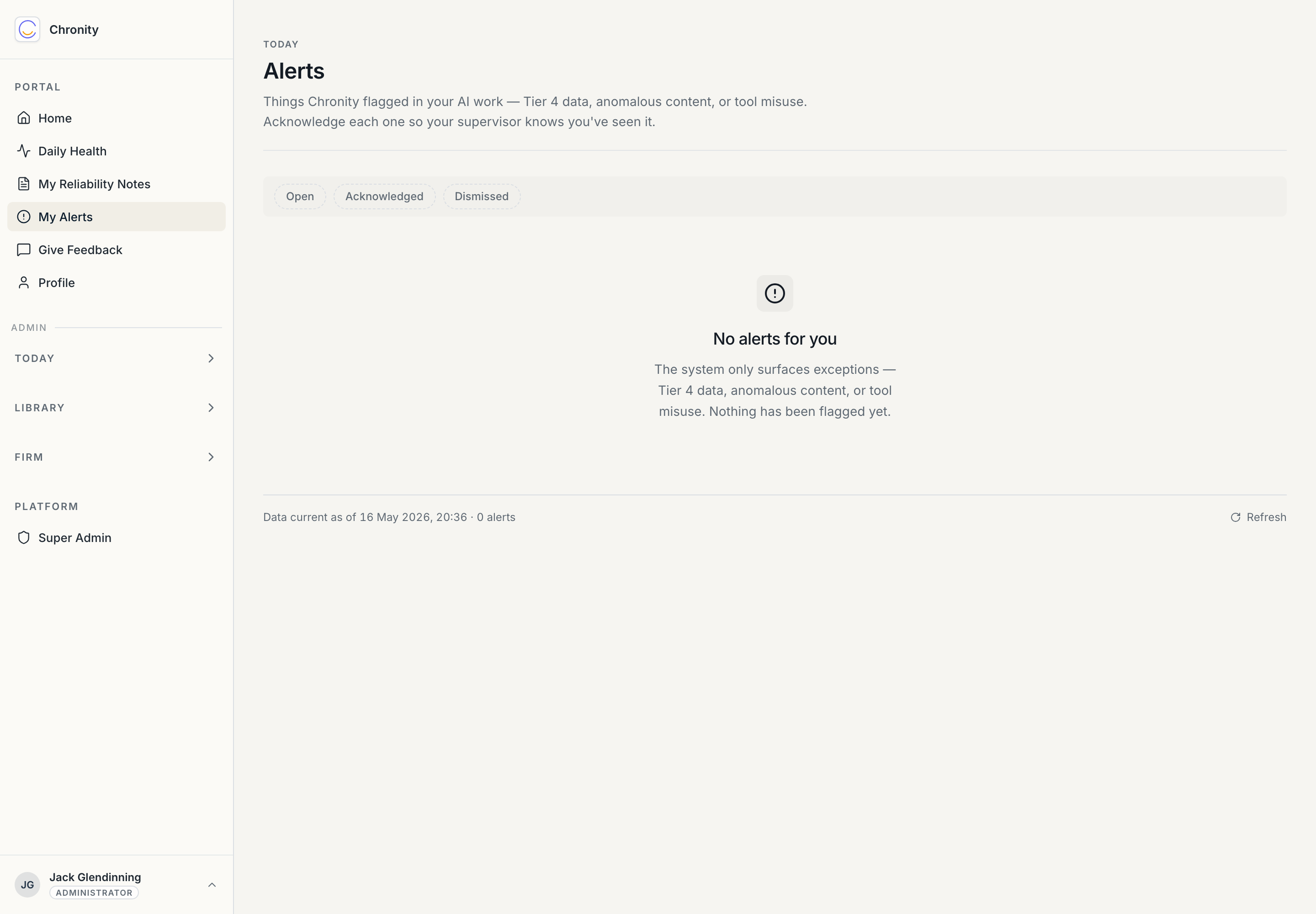
My Alerts is where Chronity tells you it noticed something worth a second look in your AI work. It is, by design, almost always empty — alerts are exceptions, not routine.
What gets flagged
Alerts fire on a small set of detection rules applied during the overnight classification — things like:
- Restricted (Tier 4) data turning up where it shouldn't.
- Anomalous content — patterns that look like a hallucination or a confident error.
- Tool misuse — a tool used well outside its normal purpose.
- A client opt-out breach.
When something trips a rule, an alert is raised and routed to you, your supervisor, and the firm's AI Lead — so it's seen by the right people, not buried.
The page
- Open / Acknowledged / Dismissed tabs. New alerts arrive under Open.
- Click a row to see the detail: what fired, the observation behind it, and the context.
- Acknowledge an alert once you've seen and understood it. That's the only action most alerts need — it tells your supervisor you're aware. Acknowledging isn't admitting fault; it's closing the loop.
What to do if you get one
Don't panic. An alert is a prompt to look, not a disciplinary event:
- Open it and read what was flagged.
- Check the underlying piece of work. If it's fine — the rule was cautious, which they're tuned to be — acknowledge it with a brief note and move on.
- If it's not fine — say, restricted data really did go somewhere it shouldn't — acknowledge it, fix the underlying issue, and tell your supervisor. Better caught here than at an audit.
Alert rules start life as proposed and are tuned to your firm by the AI Lead, so the occasional over-cautious flag early on is expected and improves over time.
Next: Feedback & profile.