Compliance archive
What this is
Observations older than 90 days are automatically archived to long-term storage. The Archive page lets you query these historical records when you need to look back further than the main compliance view allows.
When you'd use it
- When preparing evidence for an audit that covers a period more than three months ago.
- When a client asks about AI use on a matter that closed some time ago.
- When investigating a historical incident.
Walkthrough
- Click Archive in the sidebar under Governance.
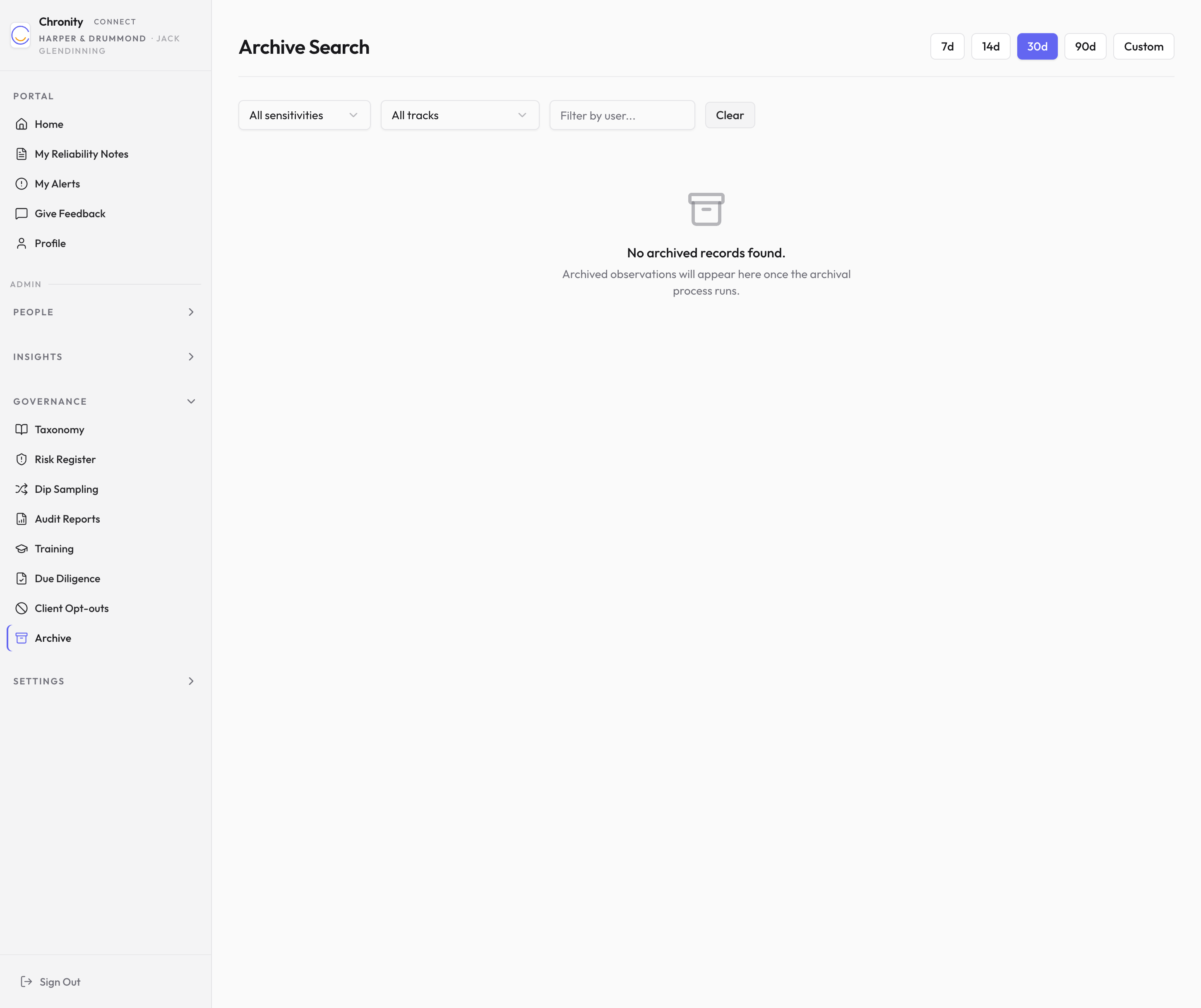
- Choose a date range using the preset buttons (7d, 14d, 30d, 90d) or click Custom to set specific dates.
- Optionally filter by sensitivity, track, or user.
- The table shows archived observations with the same columns as the main compliance view (date, user, tool, sensitivity, track, matter, status), plus the archive date.
- Click the drill-down icon on any row to see the full archived record.
Things to know
- Archived records contain the same compliance metadata as live records. Content (e.g. message bodies) is never stored in either place.
- Archive retrieval can take a few seconds longer than live queries because it reads from long-term storage.
- The archive is retained for the length of your firm's regulatory retention period.