Audit reports
What this is
Audit reports compile your compliance metrics into a structured summary — observation counts, classification breakdown, sign-off rates, dip-sampling results, and training completion. You can generate these quarterly or annually.
When you'd use it
Run a report whenever you need a snapshot of your firm's AI governance for a board meeting, a client due diligence request, or an internal review. Annual reports are useful for your RICS evidence pack.
Walkthrough
- Click Audit Reports in the sidebar under Governance.
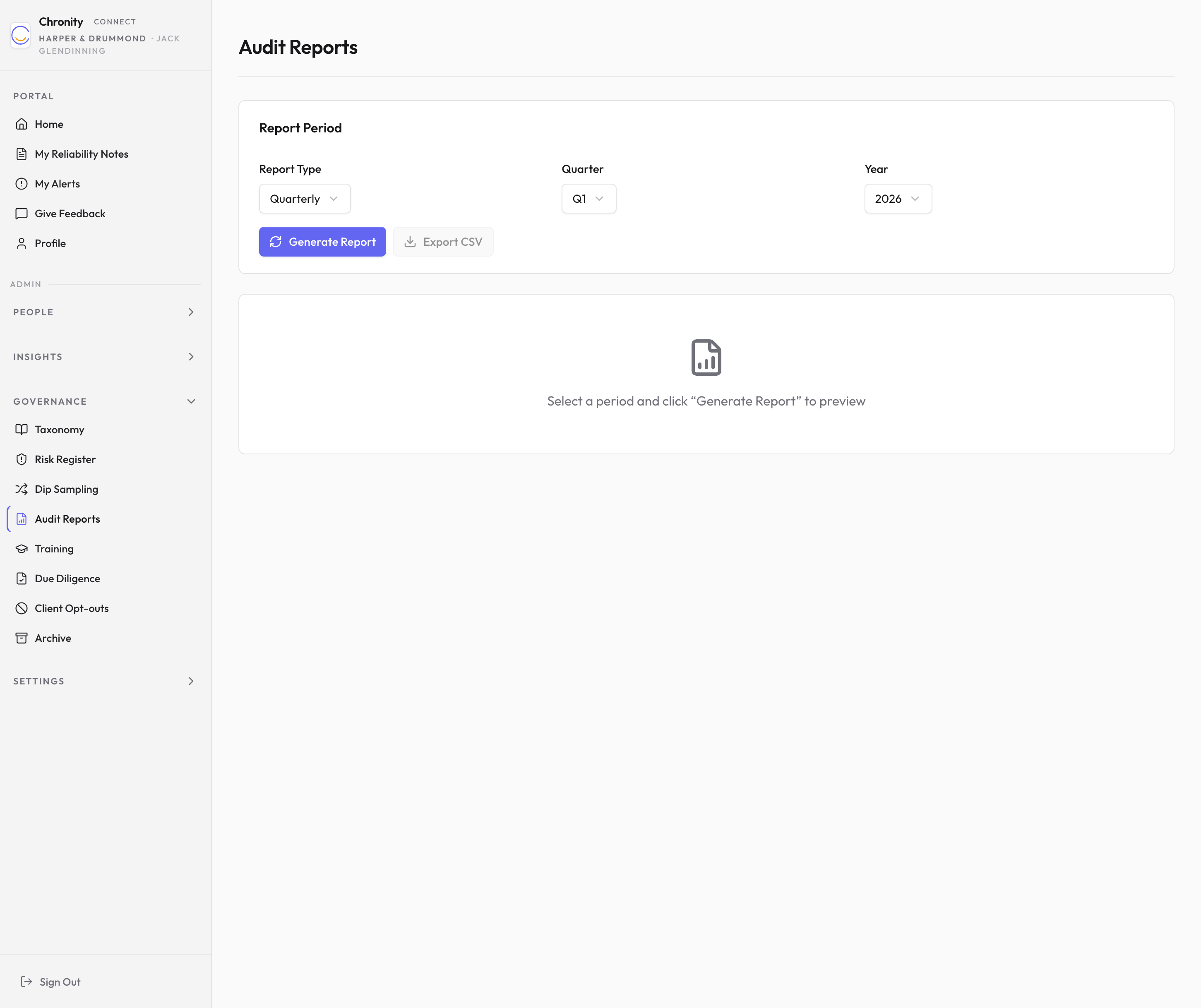
- Choose the Report Type (Quarterly or Annual), Quarter (if quarterly), and Year.
- Click Generate Report.
- The report appears below, organised into sections:
- Observations — total count and breakdown by sensitivity tier.
- Classification — counts by sensitivity level, including any unclassified observations.
- Sign-offs — Track 1 totals, approved, rejected, pending, and average approval time.
- Dip Sampling — samples reviewed, pass rate, flagged, and failed.
- Training — total users, acknowledged, pending, and completion rate.
- Click Export CSV to download the data for use in spreadsheets or external reports.
Things to know
- Reports are generated on demand from the current data — they're not frozen snapshots. If the underlying data changes (e.g. a pending sign-off is approved), a re-run will reflect that.
- The CSV export is suitable for pasting into board-pack spreadsheets or combining with other firm-level data.